
Chat Bubble
The chat_bubble shortcode creates a character chat bubble component with an avatar image and message text.
Usage
{{ chat_bubble(img="path/to/avatar.png", msg="Message text here") }}Parameters
img(required): Path to the character's avatar imagemsg(required): Message text content (supports Markdown formatting)author(optional): Author name to display below the avatar image
Example
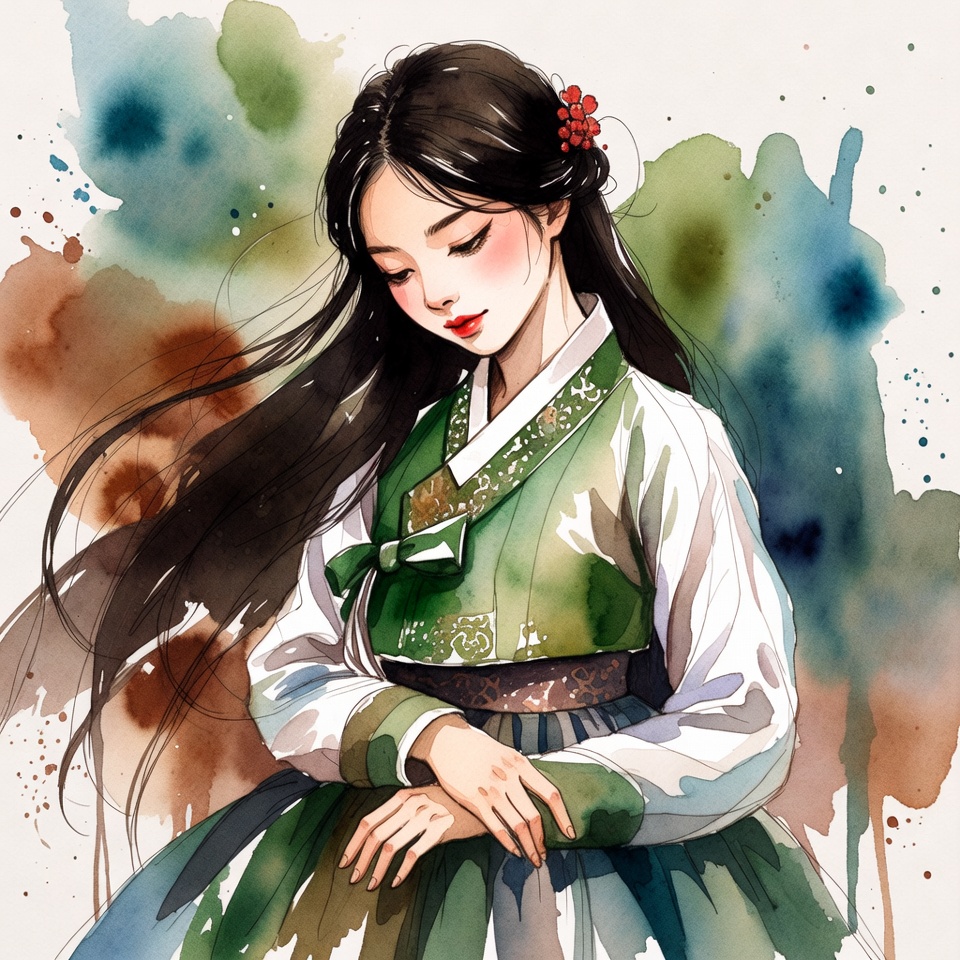
What if not all sectors of the card were read? You can try to retrieve the keys for the unread sectors by extracting nonces from the card or the reader, and then calculate the missing keys. Learn more.
{{ chat_bubble(
  img="/writing/shortcodes/gallery/images/image1.jpeg",
  author="Alice",
  msg="What if not all sectors of the card were read? You can try to retrieve the keys..."
) }}
Features
- Avatar Display: Shows a rounded avatar image on the left
- Author Name: Optionally displays the author's name below the avatar
- Markdown Support: Message content supports Markdown formatting
- Theme Integration: Automatically adapts to dark/light theme settings
- Responsive: Works on all screen sizes
Notes
The chat bubble uses DaisyUI's chat component with default left alignment. The message content supports Markdown, allowing you to include bold text, italic text, links, and other formatting within the message.
Found an error or it needs a clarification?
Open an issue on GitHub.
Substantiated corrections will be incorporated with attribution.
Found a typo?
Fork, modify and open a PR.